

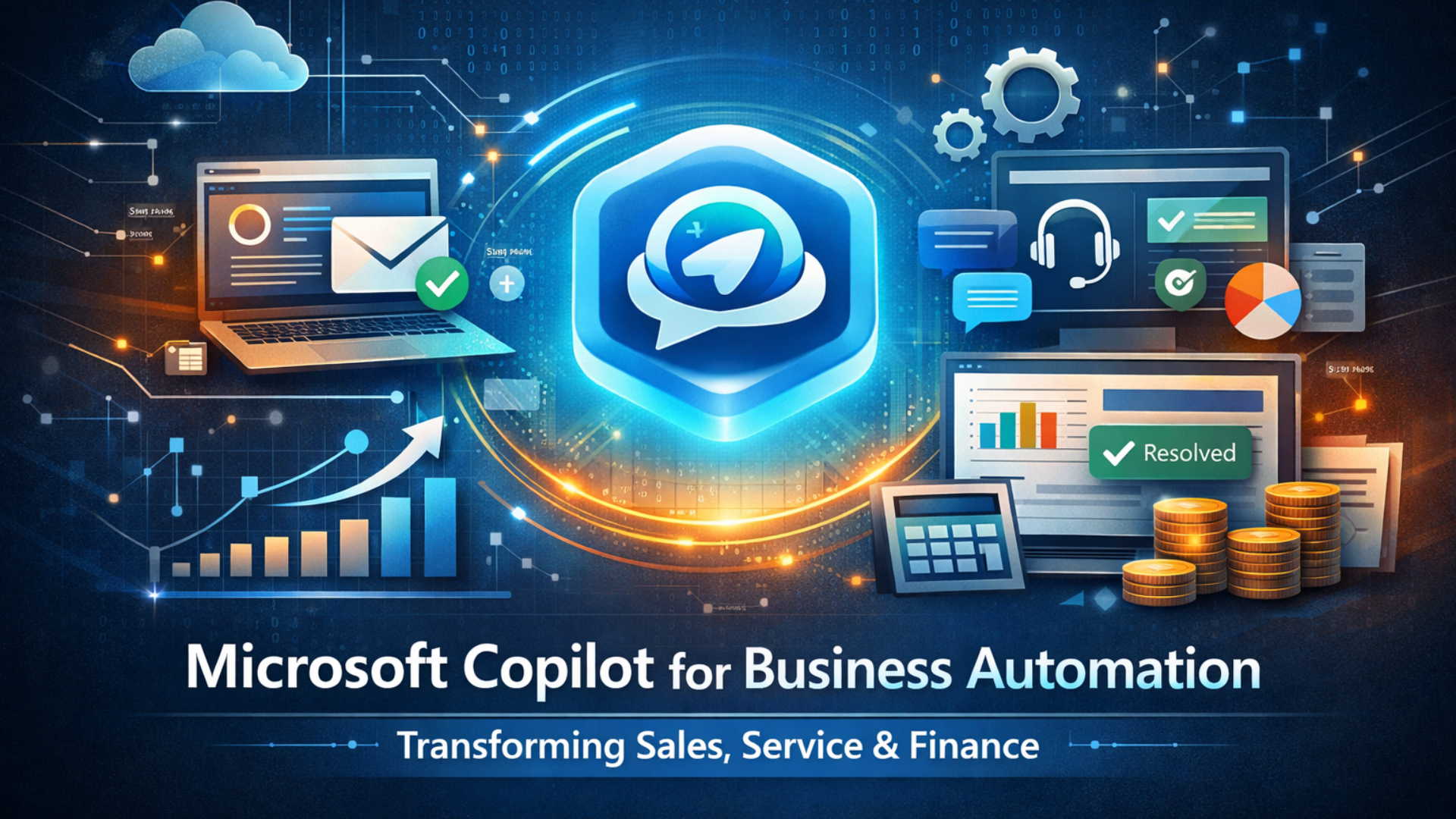
In this article, we explore how Microsoft Copilot integrates with Dynamics 365 to transform sales, service, and finance through AI automations. You will also discover the practical benefits for SMBs, common implementation challenges, and the future of automating business operations.
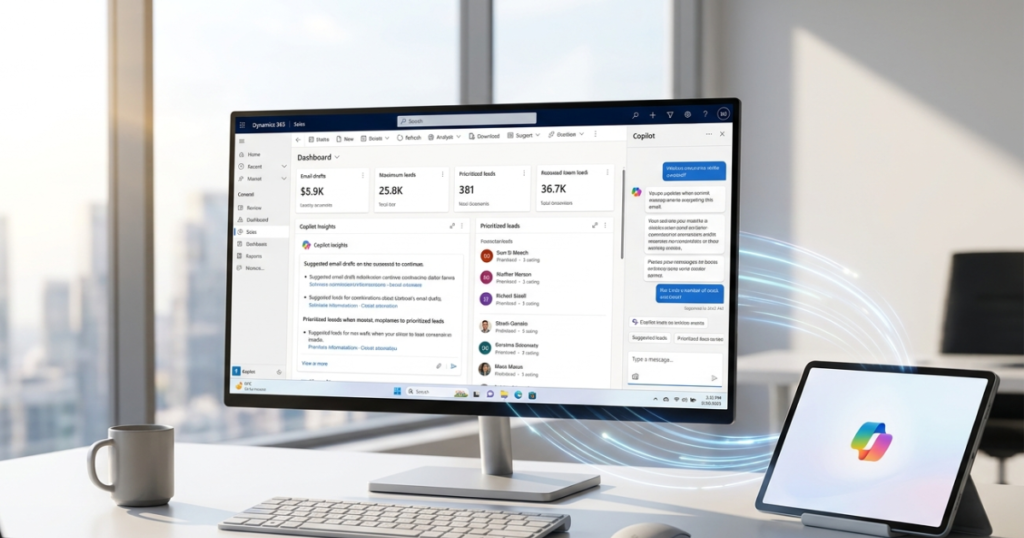
The corporate landscape is undergoing a seismic shift driven by the rapid maturation of Microsoft Copilot for business. While digital transformation was once a distant goal, the focus has now shifted toward AI business automation. As organizations face increasing pressure to scale efficiently, the integration of Microsoft Copilot for business into Dynamics 365 has emerged as the definitive solution for modernizing workflows across every department.
This evolution is about more than just new software; it is a fundamental shift in how work is performed. By implementing Copilot in business operations, companies can now move away from rigid, manual processes toward fluid, intelligent systems that turn static data into actionable insights. This transition allows leadership teams to modernize their CRM and ERP environments, ensuring that automation is woven into the fabric of daily operations.
What Is Microsoft Copilot for Business in Dynamics 365?
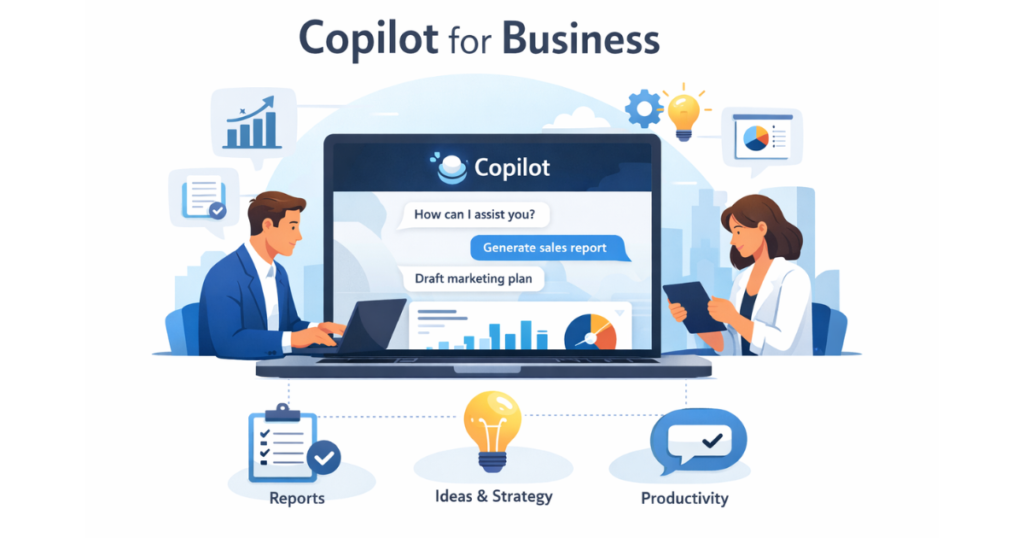
Microsoft Copilot for business is an AI-powered sidekick that lives directly inside your Dynamics 365 apps. Unlike old-school Microsoft business automation that relies on rigid rules, Copilot uses advanced AI to understand context and generate real-time assistance.
The biggest shift here is moving from manual data entry to Dynamics 365 AI automation. Instead of spending hours typing in notes, Copilot in Dynamics 365 drafts emails, summarizes long threads, and suggests your next best move. It handles the heavy lifting so you can focus on making decisions.
Because it’s part of the Microsoft ecosystem, it works seamlessly across Outlook, Teams, and Excel. Sales can see copilot’s insights in their inbox without ever switching tabs. This unified approach removes “silos” and creates a single, intelligent workflow that follows you throughout the day.
By adopting this model, businesses handle higher workloads without increasing headcount. It doesn’t just do the work; it improves the quality of every output. This efficiency sets the stage for a deeper look at how AI tools transform the front lines of your revenue.
How Does Copilot Automates Modern Sales Workflow in Dynamics 365
Copilot eliminates the “busy work” that keeps reps away from selling. With AI sales automation, Copilot drafts personalized emails based on CRM data, saving hours of manual writing while keeping follow-ups relevant.
Smart lead management automation also helps teams prioritize. Using CRM automation with Copilot, the system flags the most promising prospects based on real engagement signals. This ensures your team focuses their energy where it actually drives revenue.
Finally, Copilot handles meeting summaries and data entry automatically. By using it to automate sales workflows, pipeline visibility stays accurate without manual updates. This leads to massive sales productivity gains, allowing your team to close deals faster while the AI manages the administrative trail.
How Microsoft Copilot Improves Customer Service Automation
AI customer service automation is no longer about frustrating chatbots; it is about empowering agents to solve problems faster. With Copilot, the system analyzes incoming tickets and suggests the best possible resolution based on past successful cases. This drastically reduces the time agents spend searching through internal manuals or asking peers for help.
To automate customer support effectively, Copilot provides real-time “suggested responses” during live chats. It crafts professional, accurate answers by pulling from your company’s knowledge base. This ensures that even new agents can provide expert-level service from day one, leading to a massive boost in customer service automation.
Intelligent routing and ticket handling also see a major upgrade. Copilot identifies the sentiment and complexity of a request, ensuring it reaches the right specialist immediately. By improving customer satisfaction through shorter wait times and more accurate answers, businesses can scale their support operations without a massive increase in staff.
These improvements in the front-office experience are powerful, but the impact of Microsoft Copilot for business is equally transformative when applied to the back-office, particularly in financial operations.
Using Copilot in Dynamics 365 Finance Automation to Streamline Financial Operations
Dynamics 365 finance automation is changing the way accounting teams handle the “month-end crunch.” Instead of manually chasing down receipts, Copilot finance automation can categorize expenses and flag inconsistencies automatically. This allows your finance team to spend less time on data entry and more time on high-level financial strategy.
One of the most valuable features is the ability to automate financial workflows related to reporting. Copilot can generate visual summaries of complex financial data, making it easy to understand your current position at a glance. By assisting with the financial process, it can even predict future cash flow trends based on historical patterns and pending invoices.
This level of financial visibility means you can make faster, more informed decisions. For example, the system can automatically draft collection letters for overdue accounts, ensuring a steady cash flow without requiring manual oversight. It’s about moving from reactive bookkeeping to proactive financial management.
When these financial efficiencies are combined with the sales and service improvements we’ve discussed, the cumulative effect on the organization is massive.

Key Benefits of Microsoft Copilot for Business Automation
The shift toward AI-powered business workflows offers more than just speed; it provides a platform for sustainable growth. By centralizing Microsoft business automation, organizations can ensure that data flows seamlessly between departments, reducing the friction that often slows down large projects.
The most immediate impact is found in increased productivity. When employees are no longer bogged down by repetitive tasks, they can focus on creativity and problem-solving. This shift in focus directly leads to better operational efficiency, as human talent is applied to high-value tasks while the AI handles the routine data processing.
Other key advantages include:
- Reduced Manual Work: Fewer human errors in data entry and reporting.
- Better Decision-Making: Access to real-time insights and predictive analytics.
- Scalability: The ability to grow your business without a 1:1 increase in administrative costs.
- Improved Collaboration: A unified platform where sales, service, and finance share the same intelligent context.
Ultimately, business automation creates a more agile business environment. This is especially critical for smaller organizations that need to punch above their weight class, leading us to why SMBs are becoming some of the fastest adopters of this technology.
Why Small Businesses Are Adopting Microsoft Copilot and Dynamics 365
Small businesses often face the challenge of limited resources while trying to scale. Microsoft Copilot levels the playing field by providing the same advanced AI tools for small businesses used by global corporations. It acts as a digital workforce, allowing lean teams to handle complex operations without hiring a massive administrative staff.
The primary appeal lies in small business automation. For a growing company, every minute spent on manual data entry is a minute lost on growth. By using Copilot for small business, owners can automate their sales and support pipelines, ensuring that customer inquiries are never missed and leads are followed up instantly.
This creates a significant ROI from automation. It allows SMBs to improve their efficiency and professionalism, presenting a high-tier experience to clients while keeping overhead low. This accessibility makes Microsoft Copilot for business a strategic investment for any company looking to expand rapidly.
However, while the benefits are clear, the journey to full automation does come with certain hurdles that need to be managed effectively.
Common Challenges When Implementing AI Business Automation
While the potential of Microsoft Copilot for business is vast, the journey toward a full Dynamics 365 implementation requires navigating several critical hurdles. To ensure a high ROI and system accuracy, businesses must address these key AI adoption challenges:
- Data Quality and Readiness: AI is only as effective as the information it processes. If your CRM data is fragmented or outdated, the automation results will mirror those inconsistencies.
- AI Governance and Security: Because Copilot operates across your entire ecosystem, prioritizing Copilot security is essential. This includes managing permissions and data classification to protect your intellectual property.
- The Human Element: Success often depends on change management. Teams must be trained to interact with AI agents and verify outputs to avoid unrealistic expectations of autonomous performance.
- Strategic Integration: A successful automation strategy requires more than just a license; it demands a clear roadmap that aligns AI capabilities with specific business goals.
A successful transition to AI requires expert guidance to navigate these technical and organizational complexities.
At MP-365, we specialize in helping organizations optimize their Microsoft business applications and automate workflows effectively. Whether you are looking to deploy Microsoft Copilot solutions or improve overall operational efficiency, you can explore our tailored implementation services at Modern Partners 365.
The Future of Copilot for Business and AI Automation
The trajectory of future Microsoft Copilot developments points toward a move from reactive assistance to proactive AI-powered business operations. We are quickly entering the era of AI agents—autonomous entities that don’t just suggest a response but can independently complete multi-step tasks across different platforms.
Key AI automation trends suggest that intelligent business systems will soon handle predictive automation. Instead of waiting for a salesperson to ask for a summary, the CRM will anticipate the need for a briefing before a scheduled meeting. This shift toward smarter CRM and ERP systems will transform how businesses view their software, moving it from a storage tool to a strategic partner.
Long-term business transformation will likely involve deeper future Microsoft ecosystem integrations, where AI seamlessly bridges the gap between hardware, software, and external market data. This evolution ensures that as technology advances, your workflows become more fluid and your insights more precise.
While the future holds incredible potential, the immediate benefits of these systems are already available to businesses willing to take the first step toward modernization.
Conclusion
Adopting Microsoft Copilot for business is no longer just an elective upgrade; it is a fundamental step for any organization looking to thrive in an AI-driven economy. By integrating Dynamics 365 AI automation across your sales, service, and finance departments, you can transform disjointed manual tasks into a high-speed operation.
The primary strength of Microsoft business automation lies in its ability to amplify human potential. When your team is supported by AI-powered workflows, they are freed from the burden of data entry and administrative overhead, allowing them to focus on the strategic growth and relationship-building that truly matter.
As we have explored, the journey involves more than just a simple installation—it requires a clear strategy and a commitment to data quality. However, the reward is a scalable, efficient, and future-proof business model. By embracing these tools today, you are not just automating your current tasks; you are building the foundation for long-term innovation and success.